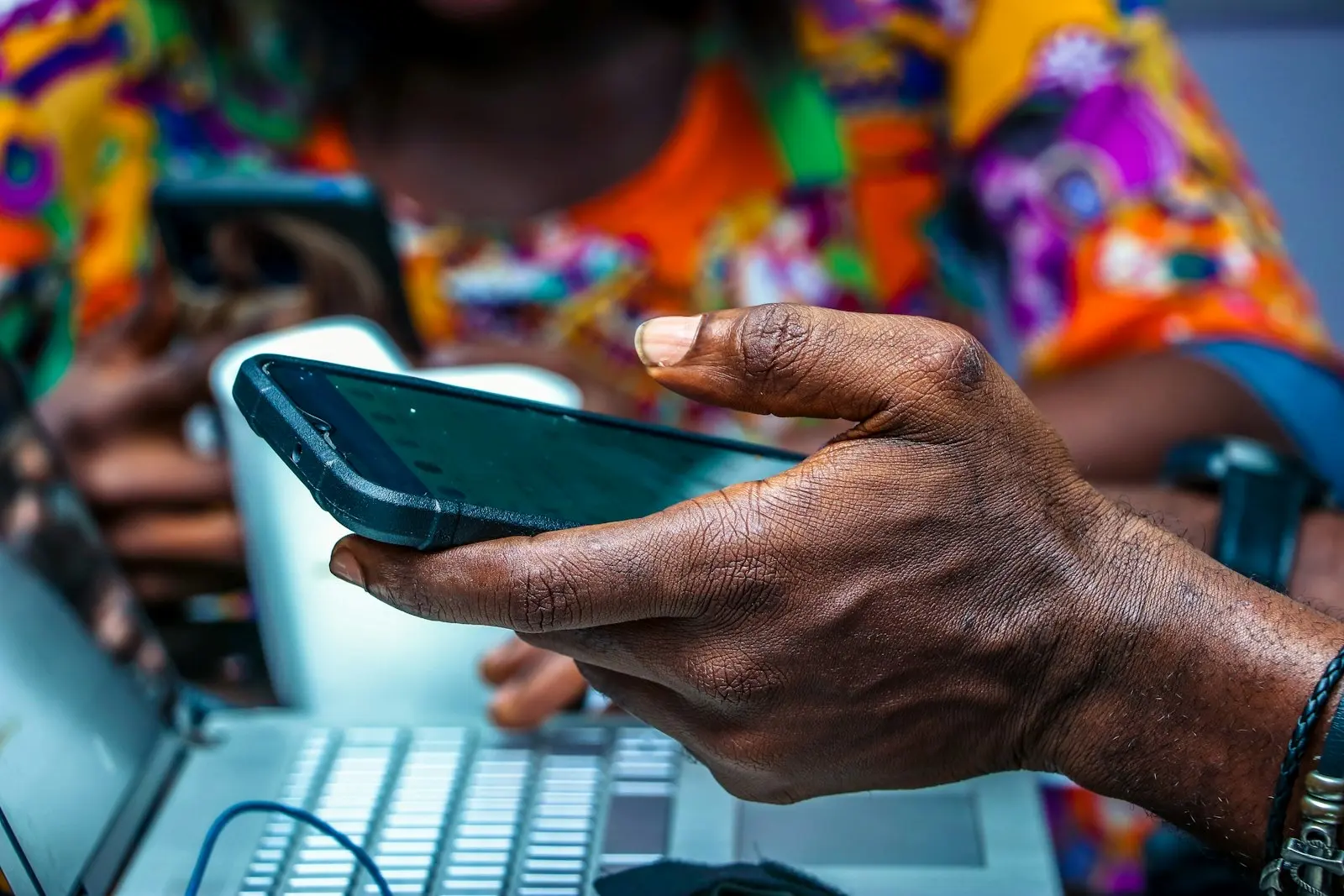
Scammers are texting Nigerians in the name of United Bank for Africa, warning of a problem with their account and sending them to websites dressed up as the bank's. The messages read: "We noticed an issue with your account transactions. Kindly verify your identity within 24 hours to avoid full restriction," followed by a link, the Foundation for Investigative Journalism (FIJ) reports.
FIJ says the texts have been going round for at least two weeks. The link points to ubagroupid.com, a domain that WHOIS records show was created in October 2026. UBA's real website, ubagroup.com, was registered in 2001. As of FIJ's report on Saturday, the bank had not issued a statement about the messages.
What the fake page asks for
An earlier wave used a different address. FactCheckAfrica traced the same message in mid-October to ubagroup.it.com, a domain registered on 13 October that UBA does not own. When the fact-checkers followed the link, it opened a cloned UBA internet banking page that asked for login details, BVN, card number, CVV and transaction PIN, enough to empty an account. It rated the message false and found no UBA notice asking customers to verify their accounts online.
The pattern is a familiar one: a deadline, a threat to the account, and an address that differs from the real one by a word or an ending. FactCheckAfrica says the domain follows the same pattern as fake sites UBA warned customers about in an awareness post on 12 October. One person who received the text told FIJ they knew something was off because their UBA account had been dormant for some time.
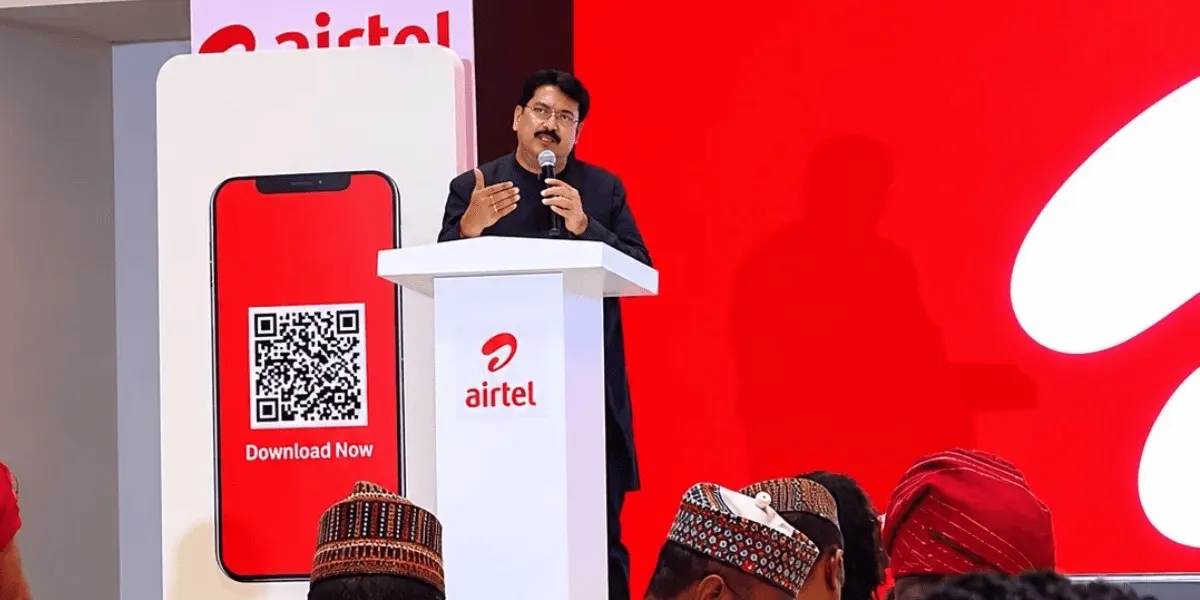 More from AI and Tech StakAirtel Opens Its Network Map as Lawmakers Close InAirtel now shows coverage and towers in its app and takes fault reports, days before telco CEOs face the House of Reps over poor service.
How to check a bank text
- Look at the full web address before typing anything. UBA's site is ubagroup.com; anything with extra words or endings, such as ubagroupid.com or ubagroup.it.com, is not the bank.
- Do not use links in texts that threaten to restrict your account. Open the bank's app or type its address yourself.
- Never enter your PIN, CVV, BVN or one-time code on a page you reached from a message.
- If you have already entered details, call UBA on the number on your card or in its app, and ask for your account and cards to be blocked.